In the context of web development, a vertical divider line is a line that separates two or more sections or columns of a web page. It is used to create a visual distinction or a logical separation between different parts of the content. For example, you can use a vertical divider line to separate a sidebar from the main content or to divide a list of items into categories.
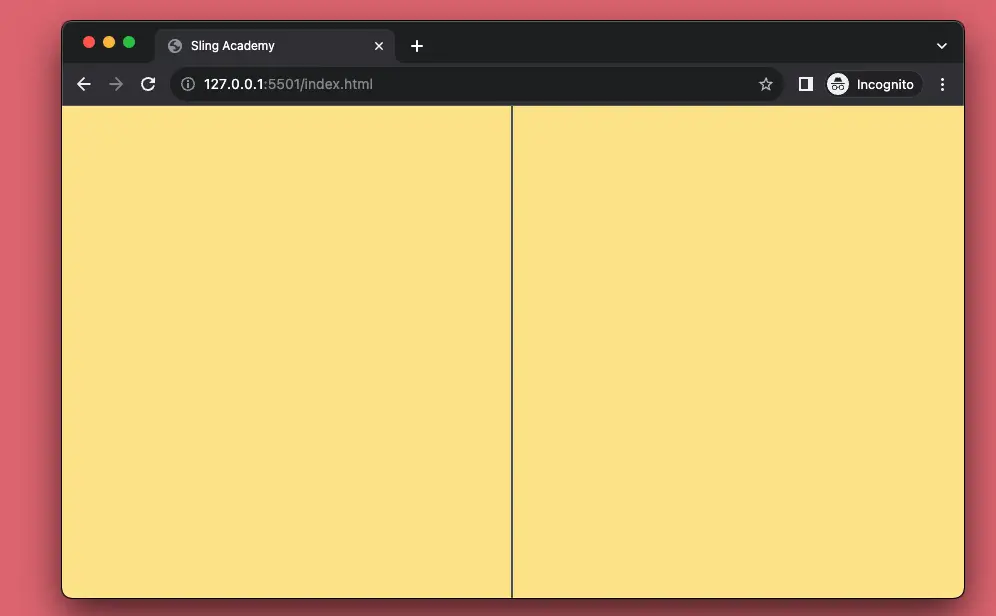
The example below shows you how to use Tailwind CSS and a <div> element to create a vertical line that splits a web page into two equal parts.
Screenshot:
The code:
<body class="bg-amber-200 relative">
    <div class="absolute left-1/2 -ml-0.5 w-0.5 h-screen bg-gray-600"></div>
</body>
Code explained: The main idea here is to display a long and narrow <div> element (by using the w-0.5 and h-screen classes) with a contrastive background color (bg-gray-600).
Happy coding & have a nice day!