In Tailwind CSS, you can add an underline to text by using the underline utility. You can also control the offset (the distance between text and the line) of a text underline by using underline-offset-{option} classes. {option} can be: auto, 0, 1, 2, 4, 8.
Example 1
Screenshot:
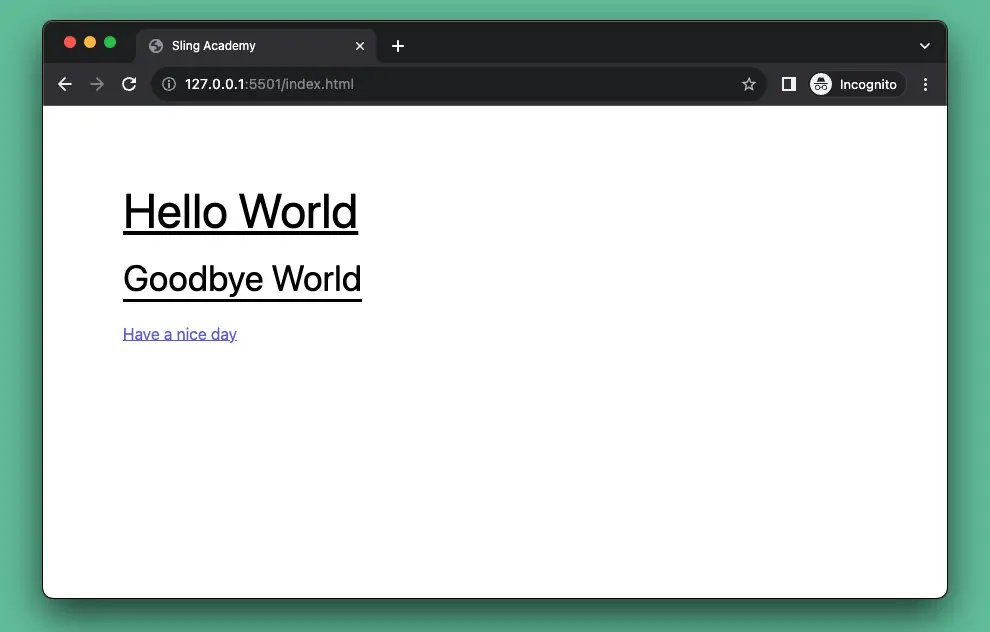
The code:
<body class="p-20">
    <h1 class="underline text-5xl">Hello World</h1>
    <br/>
    <h1 class="underline underline-offset-8 text-4xl">Goodbye World</h1>
    <br />
    <p class="underline underline-offset-0 text-indigo-500">Have a nice day</p>
</body>
Example 2
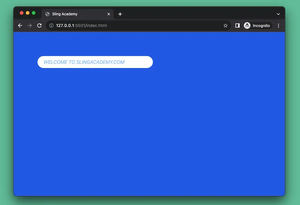
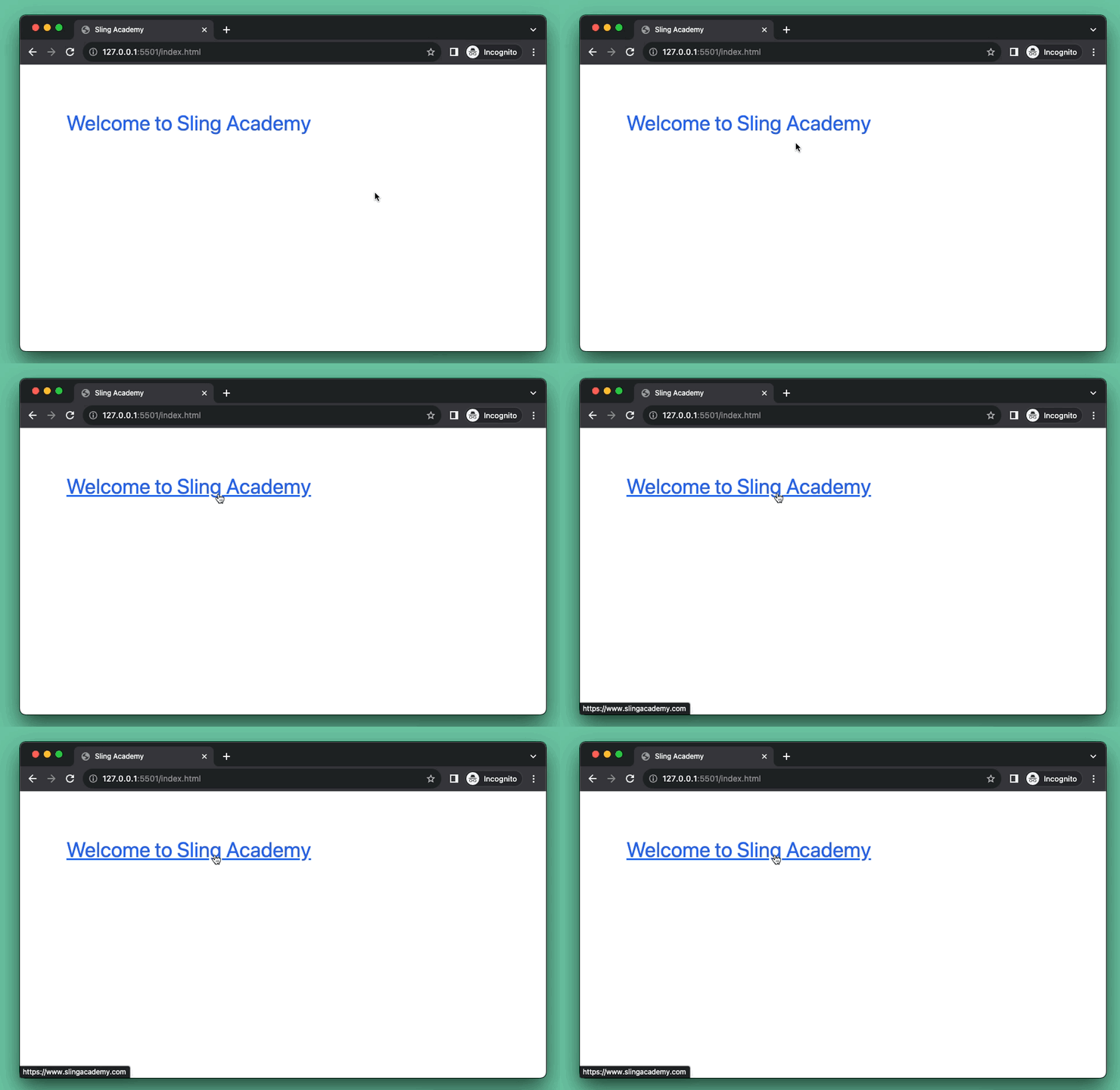
This example demonstrates how to show an underline when hovering over a link.
Preview:
The code:
<body class="p-20">
    <a class="text-blue-600 text-4xl hover:underline" href="https://www.slingacademy.com">Welcome to
        Sling Academy</a>
</body>
That’s it. Happy coding & have a nice day!